Professional AI Vocal Remover
Separate any song into clean vocal and instrumental tracks using advanced AI technology. Extract stems, create karaoke versions, or isolate instruments for remixing and production.
How to Use AI Vocal Remover
3 steps. Separate vocals and instruments with AI.
Upload Audio
Upload your audio file to start the separation process.
AI Processing
Our AI separates vocals and instrumentals automatically.
Download Results
Download your separated tracks in high quality.
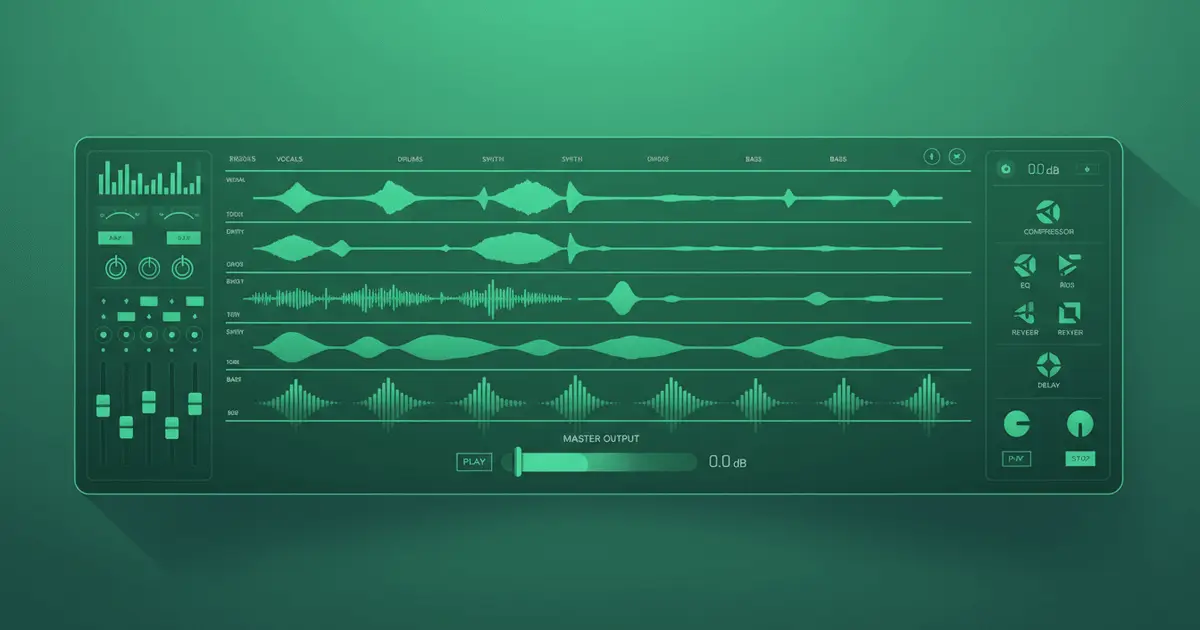
What is AI Vocal Remover?AI Vocal Remover Technology
AI Vocal Remover is an advanced AI-powered audio separation tool that intelligently isolates vocals and instruments from any song. Our AI Vocal Remover technology analyzes audio waveforms and uses machine learning trained on millions of tracks to deliver professional-grade separation. AI Vocal Remover is perfect for creating karaoke tracks, remixing, sampling, or extracting individual elements for production work. Try our free AI Vocal Remover today.
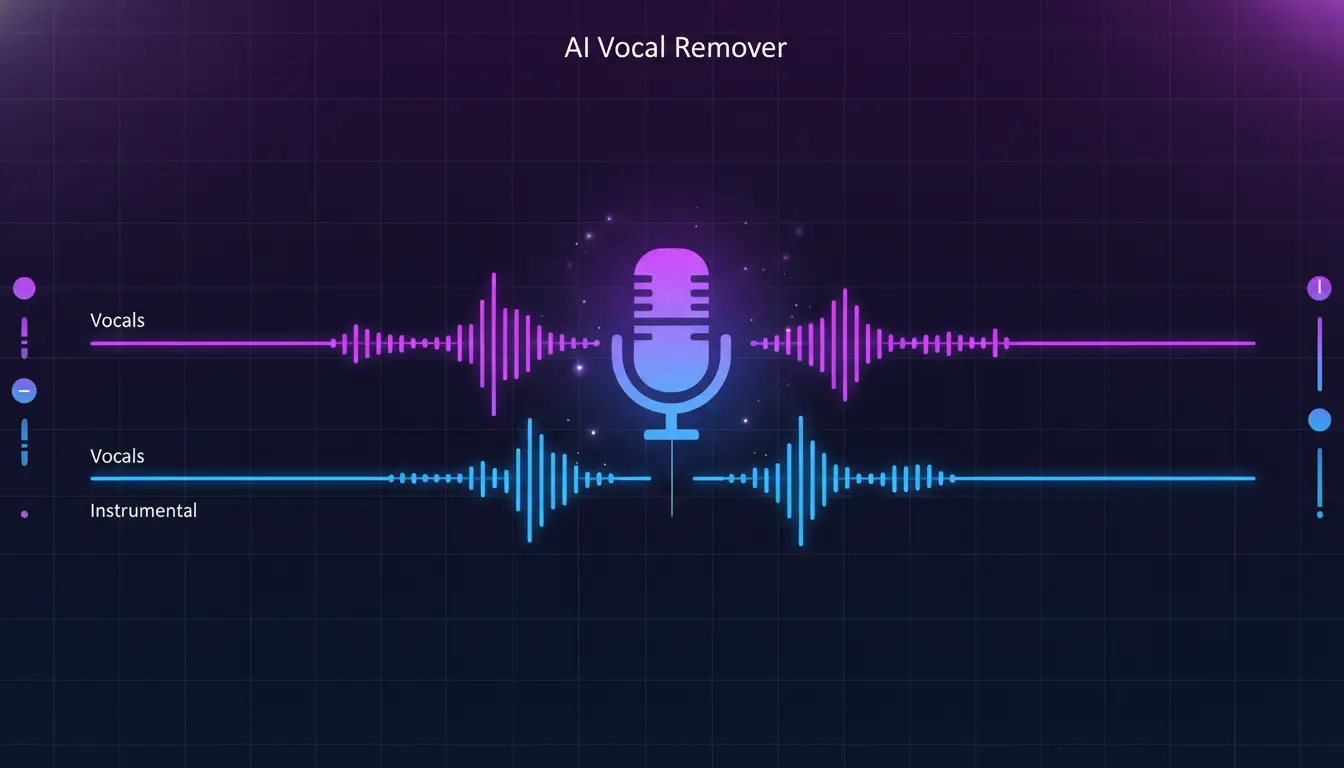
AI Vocal RemoverRemove Vocals from Any Song
Our AI Vocal Remover separates any song into clean vocal and instrumental tracks with exceptional clarity. Use AI Vocal Remover to create professional karaoke versions, extract acapella performances for remixing, or isolate instrumentals for covers and practice sessions. AI Vocal Remover maintains the full frequency range and dynamic quality of both separated elements. AI Vocal Remover free online.
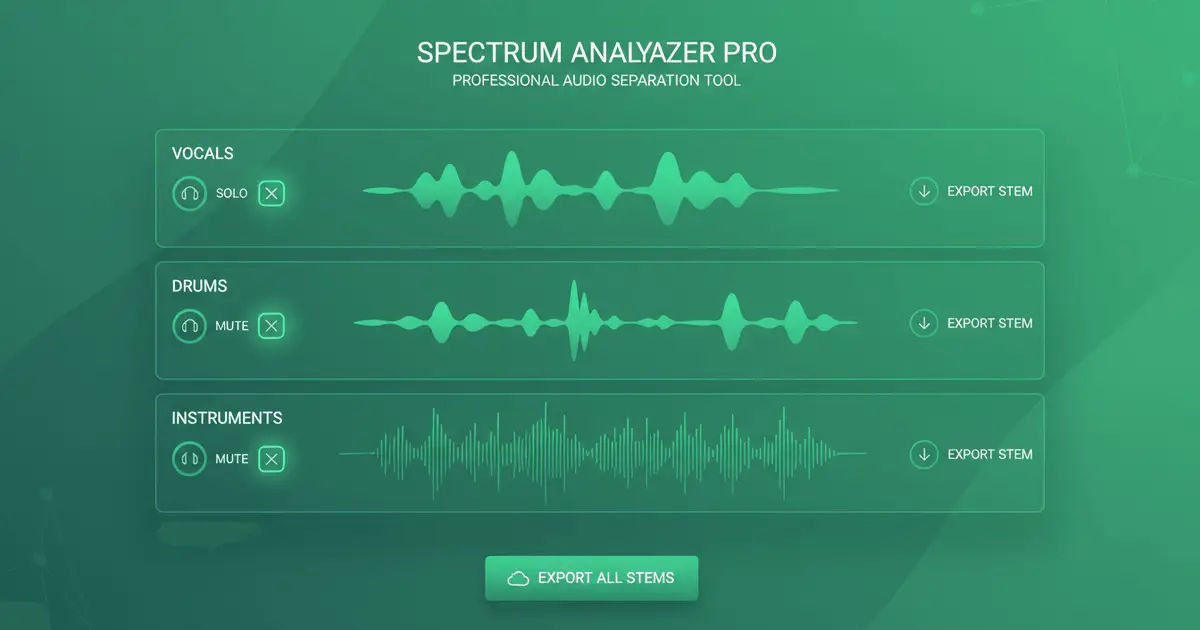
AI Stem SplitterIsolate Individual Instruments
Go beyond simple vocal removal with AI Vocal Remover multi-track stem separation. AI Vocal Remover extracts individual instrument tracks including drums, bass, guitar, keyboards, strings, and more. AI Vocal Remover is perfect for music producers, DJs, and remix artists who need complete control over every element of a track. Each stem from AI Vocal Remover is delivered in pristine quality, ready for professional use.
AI Vocal Remover QualityStudio-Grade Vocal Removal
AI Vocal Remover uses state-of-the-art machine learning models trained on diverse musical genres and recording styles. AI Vocal Remover understands complex audio relationships and preserves the natural sound characteristics of each element. AI Vocal Remover results maintain the original audio fidelity while delivering clean, artifact-free separated tracks suitable for professional production.
Everything You Need to Create
Text to music is just the start. Explore our full AI music generator toolkit.
Find the best AI music generator
Compare fast creator workflows, then generate instantly.
More Tools
Try a Riffusion AI alternative
Create prompt-to-song music with a faster Seed Music Pro workflow.
Turn text into music
Describe your idea, get a full song.
Turn lyrics into music
Paste lyrics, choose a style, done.
Create AI covers
Clone any voice onto any song.
Extend any track
Make songs longer with AI continuation.
Create song mashups
Blend two tracks into one fresh remix.
Remove vocals
Isolate instrumentals or vocals instantly.
Clone your voice
Train a voice model, use it anywhere.
Turn stories into songs
Describe a story or scene, get a song fast.
Turn mood into music
Describe a feeling, get matching music.
AI Vocal Remover FAQ
Everything you need to know about AI Vocal Remover and stem separation
How accurate is AI Vocal Remover?
What's the difference between AI Vocal Remover modes?
What audio formats does AI Vocal Remover support?
Can I use AI Vocal Remover output commercially?
How long does AI Vocal Remover take?
What quality can I expect from AI Vocal Remover?
Can AI Vocal Remover separate live recordings?
How many tracks can AI Vocal Remover create?
Still have questions?
Try AI Vocal Remover Free Today
Join thousands of musicians, producers, and creators using AI Vocal Remover to create professional separated tracks for remixing, sampling, and production. AI Vocal Remover is the best free online vocal remover and stem splitter.