• AI Lyrics Generator
  • AI Style Generator
  • Pricing
  • Partner
Seed Music Mashup Tool | AI Remix Generator50,000+ active creators globally

Craft Fresh Seed Music AI Mashups

Use our AI tools to merge two audio tracks into a fully custom mashup. Pick songs from your saved library, upload local audio files, add a targeted creative prompt, and generate a polished remix perfect for social posts, video projects, or demo testing.

Royalty-Free Access
Commercial Use Rights
MP3 / WAV export
Blazing-Fast Generation Speeds
GenerateExtendAI CoverAdd TracksReplace SectionMashupVocal Remover

Mashup Studio

Combine two tracks into a fresh remix.

Mashup

Add two songs to create a mashup.

Share the mood, genre, or hook you want. We'll shape the blend around that idea.

Sample Works

Done In A Click

Done In A Click

0:41
Rise To What's Next

Rise To What's Next

2:48
Faster By Design

Faster By Design

2:54
Chasing Horizons

Chasing Horizons

3:37
Open Doors, On Air

Open Doors, On Air

2:34
Welcome Back, You’re In

Welcome Back, You’re In

2:50
Rise To The Reveal

Rise To The Reveal

3:11
Forest of Turning Pages

Forest of Turning Pages

3:09
Starbound Heart

Starbound Heart

3:15
Starlight Run

Starlight Run

3:16
Supernova on the Floor

Supernova on the Floor

2:33
Zero-Gravity Heart

Zero-Gravity Heart

3:24

How to Build an AI Music Mashup

3 simple steps. Pick two tracks, steer the blend, and generate a fresh remix.

1
Step 1

Choose Two Songs

Select songs from your saved library or upload local audio files.

2
Step 2

Describe the Blend

Add a mood, genre, hook line, lyrics, or style prompt.

3
Step 3

Generate Mashup

Build and preview a custom track that merges both source files.

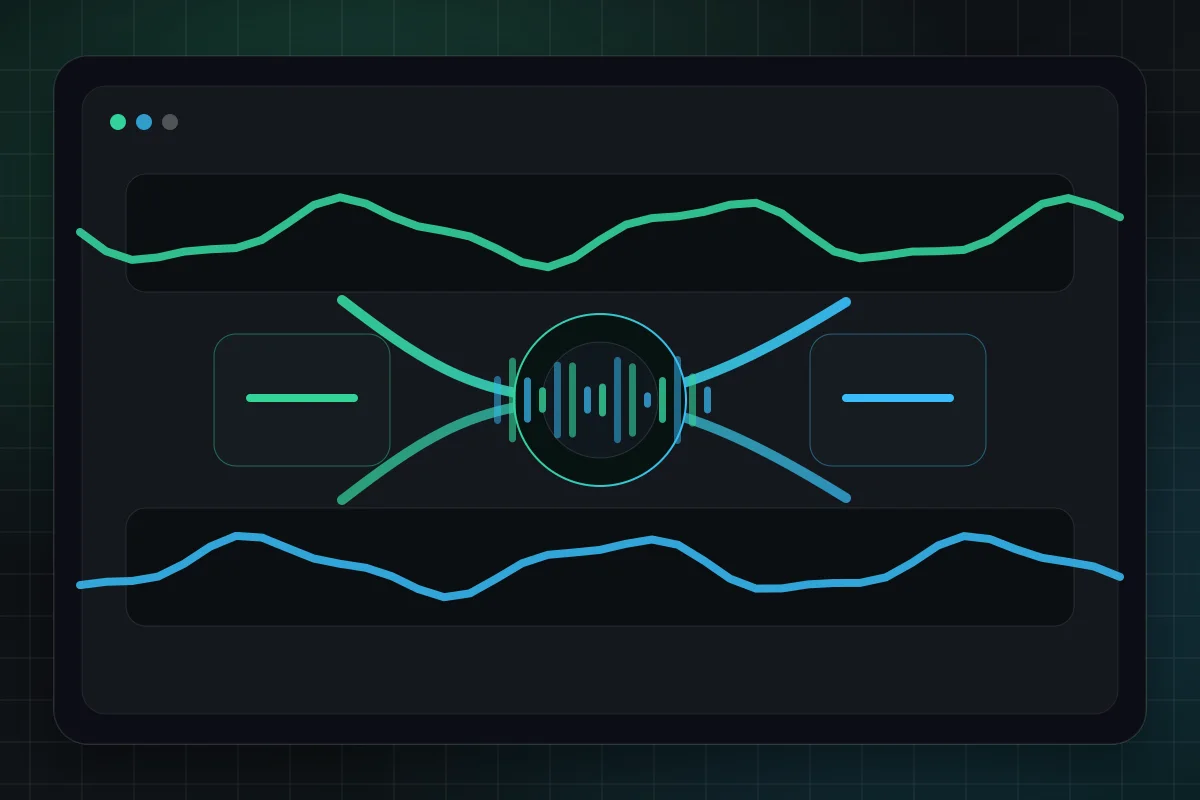
Two audio tracks blending into one new mashup waveform
AI Mashup

Seed Music AI Mashup GeneratorBlend Songs Into a Unique Custom Remix

Seed Music’s AI Mashup Generator lets creators merge two tracks into a fresh, custom remix. It’s designed for fast song mashups, social media edits, demo testing, and music experiments where you want a track that retains the energy of both original sources.

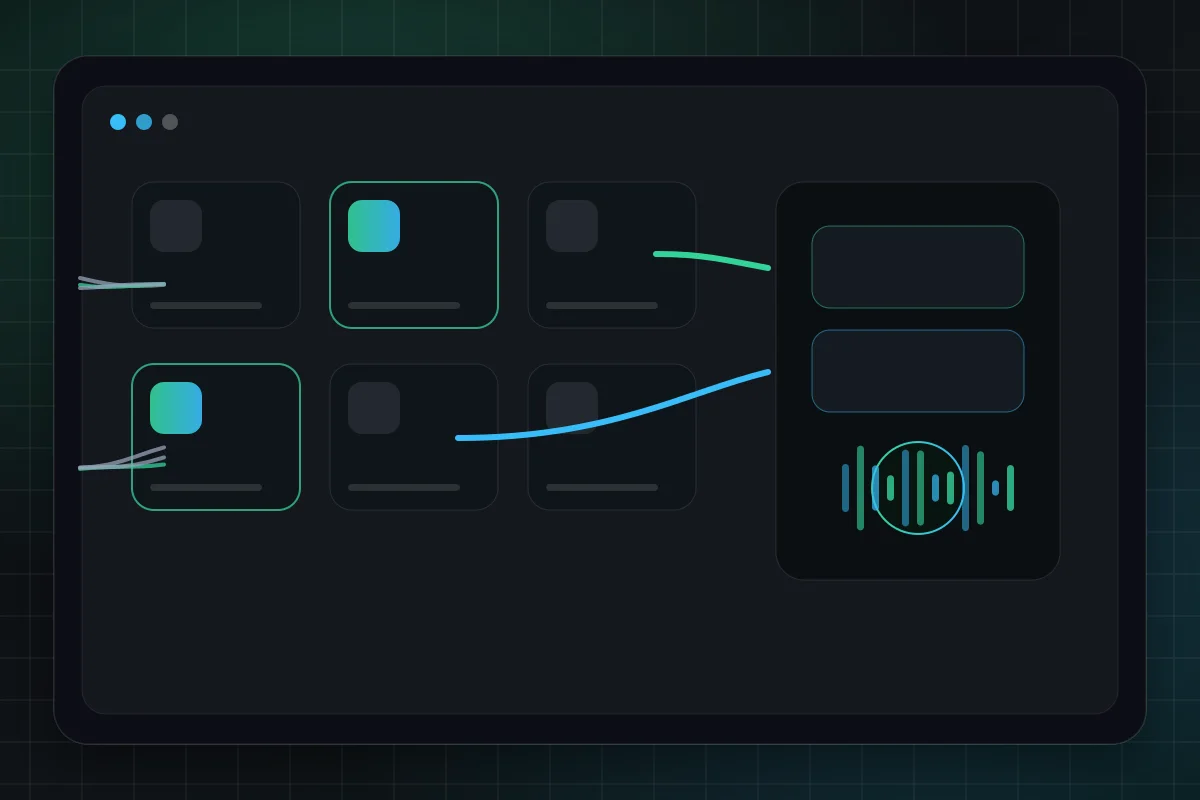
Music library workflow for selecting two songs to mash up
Library Workflow

Browse Your Saved Music LibrarySelect Existing Songs in Seconds

Skip sifting through files to start fresh—use the mashup workflow to pick two finished tracks from your My Music library, or upload local audio to bring in external source material.

Choose Songs
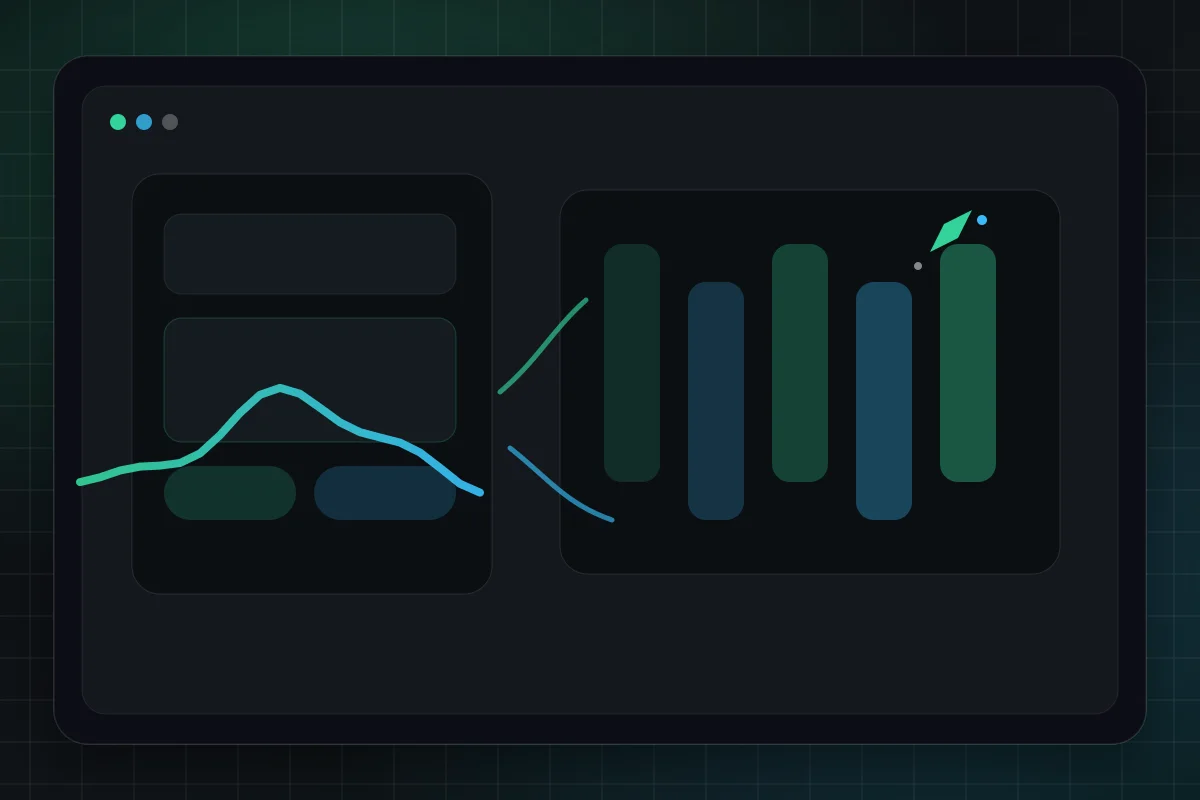
Creative direction controls guiding a mashup arrangement
Creative Control

Shape Your Custom Mashup BlendMood, Genre, Lyrics, and Signature Melodic Hooks

Use a short mashup idea for a fast blend, or switch to directed mode when you want lyrics, style tags, title, and advanced controls. The workflow stays simple while still giving creators room to steer the final track.
Try Directed Mashup
Generated mashup preview workspace with player and versions
Music Workspace

Preview and Refine Your WorkPreview in Your My Music Library

Generated mashups appear in your music workspace with the rest of your songs. Preview results, compare versions, and continue with related tools such as extending, covers, and vocal removal.

Start Mashup

AI Music Mashup FAQ

Comprehensive answers for online AI music mashup creation

1

What counts as an AI music mashup?

An AI music mashup combines two separate source tracks into a brand-new remix-inspired track. Our AI music generator uses your selected sources and specified creative direction to build a unique piece that pulls melody, vocal layers, energy, or mood from both original audio files.
2

Can I use tracks from my saved library?

Absolutely. Our mashup tool is built around your My Music library. Pick tracks you’ve already created, or upload local audio files to add custom external sources.
3

What sets Auto Blend apart from Directed mode?

Auto Blend is best for quick experiments: describe the mood, genre, or hook and generate. Directed mode is for tighter control with lyrics, style tags, title, vocal settings, and audio balance options.
4

What audio file formats are supported?

Our upload tool supports popular audio formats including MP3, WAV, M4A, FLAC, OGG, and AAC. For optimal results, use clear source tracks with consistent volume and minimal background noise.
5

Can I commercialize my AI mashup tracks?

You can use outputs according to your plan and applicable rights. Make sure you have the rights to any source audio you upload or reuse, especially for commercial releases or public distribution.
6

Is the AI mashup generator free to use?

You can try mashup generation with available credits. Regular creation uses credits based on the selected model, with more credits available through paid plans.

Still have questions?

Start Creating

Ready to Build Your First AI Mashup?

Pick two tracks, outline your desired blend, and generate a fresh remix right in your browser.

Start Creating AI MashupsCheck Out Our Pricing Plans
Use case
Songs, background music, hooks
Speed
From prompt to download in minutes
Rights
Built for creator-friendly publishing
Logo
Seed Music

AI Music Maker · Royalty-free tracks · Commercial use allowed

TwitterX (Twitter)DiscordEmail
Product
  • AI Music Generator
  • Pricing Options
  • Creator Support FAQs
  • Commercial Usage Rights
AI Tools
  • Seed Music Best AI Music Generator
  • Riffusion AI Drop-in Replacement
  • Music to Prompt
  • Song Length Extender
  • AI Music Mashup Tool
  • AI Vocal Remover
  • Audio Converter
  • AI Voice Cloning Tool
  • Qwen3 TTS
Resources
  • Official Blog
  • Music Styles
  • Music Elements
  • Send Seed Music Feedback
  • Platform Changelog
Company
  • About Seed Music
  • Creator Partner Program
  • Contact Support
Legal
  • Seed Music Cookie Policy
  • Seed Music Privacy Policy
  • Seed Music Terms of Service
  • Seed Music Refund Policy
English中文

© 2026 Seed Music All Rights Reserved. DREAMEGA INFORMATION TECHNOLOGY LLC

[email protected]
    • Logo
      Seed Music
    • Home
    • Explore
    • Listen
    Tools
    • Seed Music Agent
    • Generate
    • Extend
    • Cover
    • Add Track
    • Mashup
    • Vocal Remover
    • Music to Prompt
    Other
    • Change Log
    EmailDiscord