AI Style Generator — Perfect Music Style Tags
Describe your music idea or upload a reference track. AI analyzes the sound, extracts style signals, and turns them into two production-ready tag combinations.
Style Generator
Generate style tags from a description or reference audio.
Version A (Mainstream)
Recommendation will appear here
Version B (Experimental)
Recommendation will appear here
How to Use AI Style Generator
Start from a description or a reference track, then choose the tag direction that fits.
Describe or Upload
Write the sound you want, or upload a reference track so AI can listen for genre, mood, tempo feel, instruments, vocals, and production texture.
AI Extracts Style Signals
For audio references, AI first turns the track into a compact style brief. Then it creates two tag sets: one mainstream direction and one more alternative direction.
Copy & Use Instantly
Click to insert tags directly into your style field. Tags are validated, properly formatted, and optimized for your selected model's character limits.
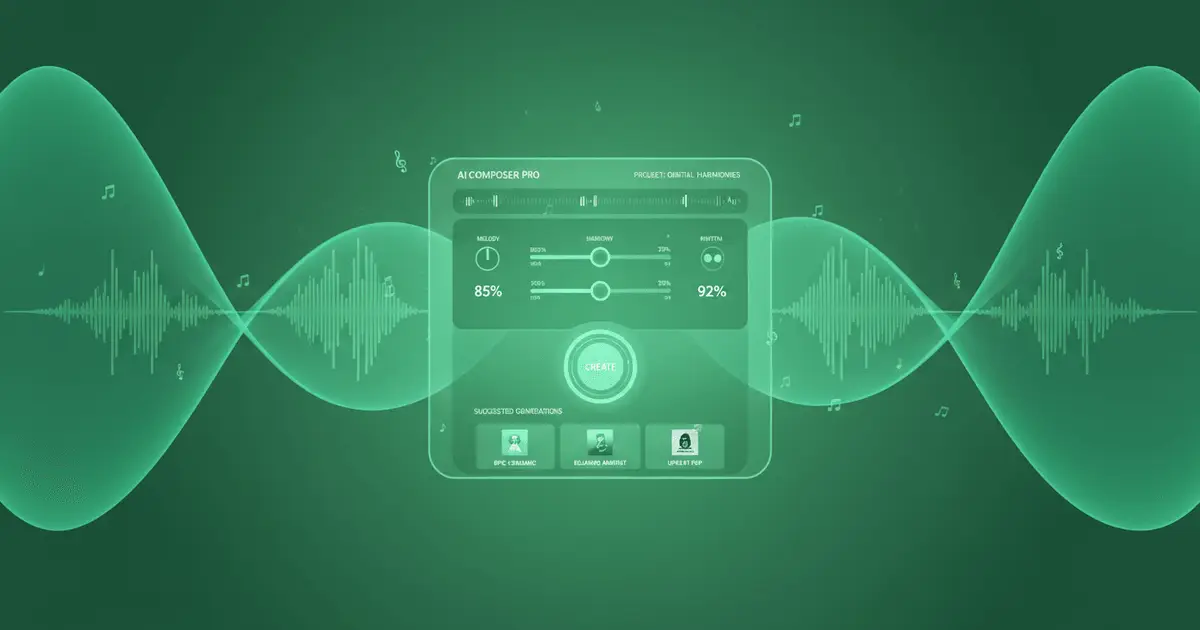
AI Style GeneratorAI-Powered Style Suggestions
Use AI Style Generator with either a written description or uploaded reference audio. It converts the idea or sound into practical music style tags, with two creative directions ready for your generator.

AI Style GeneratorMainstream & Experimental Options
Every run returns two tag combinations. Version A favors a clear, accessible style direction, while Version B explores a more distinctive alternative. Pick the one that fits the track you want to make.

AI Style GeneratorAudio-Aware Tag Selection
When you upload audio, the tool listens for real musical signals before generating tags: genre, mood, tempo feel, instruments, vocal character, arrangement, and production texture.
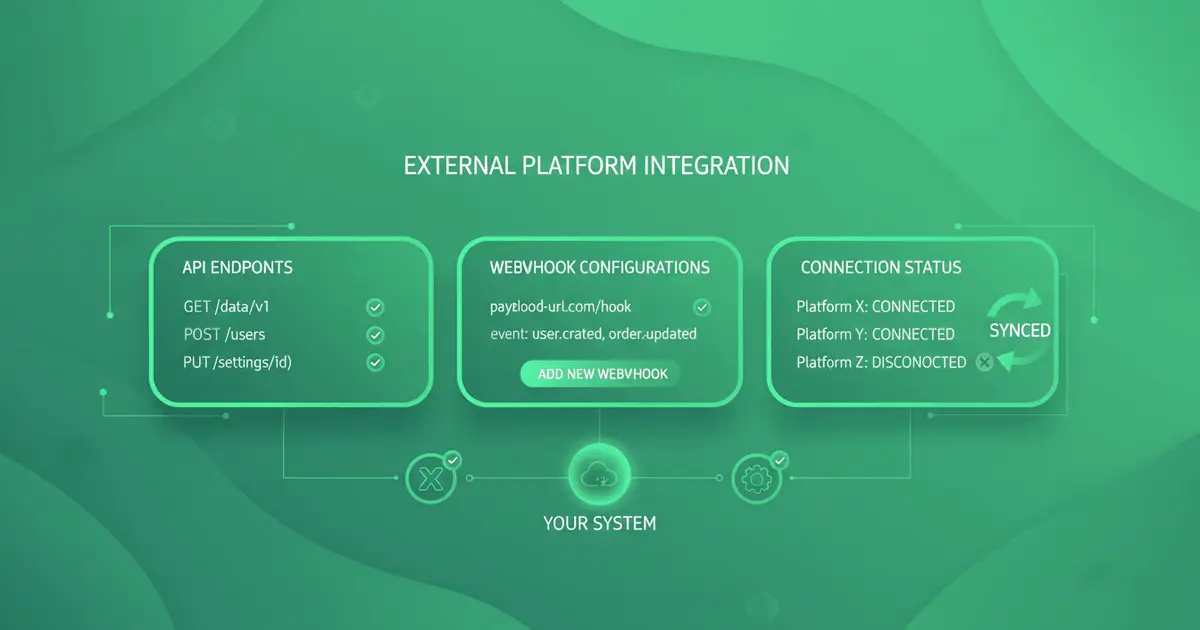
AI Style GeneratorCharacter-Aware Generation
Generated tags stay formatted as a clean comma-separated style line and respect the selected model's character limits, so you can paste or insert them directly into your music workflow.
Everything You Need to Create
Text to music is just the start. Explore our full AI music generator toolkit.
Find the best AI music generator
Compare fast creator workflows, then generate instantly.
More Tools
Try a Riffusion AI alternative
Create prompt-to-song music with a faster Seed Music Pro workflow.
Turn text into music
Describe your idea, get a full song.
Turn lyrics into music
Paste lyrics, choose a style, done.
Create AI covers
Clone any voice onto any song.
Extend any track
Make songs longer with AI continuation.
Create song mashups
Blend two tracks into one fresh remix.
Remove vocals
Isolate instrumentals or vocals instantly.
Clone your voice
Train a voice model, use it anywhere.
Turn stories into songs
Describe a story or scene, get a song fast.
Turn mood into music
Describe a feeling, get matching music.
AI Style Generator FAQ
Everything you need to know about AI Style Generator
How does AI Style Generator work?
What's the difference between AI Style Generator Version A and Version B?
How does AI Style Generator select tags?
Why does AI Style Generator have character limits?
How do I use AI Style Generator tags?
What audio files work best?
Can I edit AI Style Generator output?
Are my AI Style Generator results saved?
Still have questions?
Turn an Idea or Reference Track into Style Tags
Write a music idea or upload a reference track. AI Style Generator extracts the musical direction and returns two clean style tag combinations for your next generation.