• AI Lyrics Generator
  • AI Style Generator
  • Pricing
  • Partner

Layer AI Instruments & Vocals Into Your Music Projects

Layer professional AI-generated instrumental tracks or vocal performances directly into your audio files using our advanced tools. Turn isolated vocals into full, polished songs with matching accompaniment, or add custom-lyric AI vocals to your existing instrumental tracks.

Royalty-Free Access
Commercial Use Rights
MP3 / WAV export
Blazing-Fast Generation Speeds
GenerateExtendAI CoverAdd TracksReplace SectionMashupVocal Remover

Add Tracks

Pro Only

Requires Pro or Max.

Add instrumental tracks to audio

Instrumental Style*
0 / 1000

Sample Works

Done In A Click

Done In A Click

0:41
Rise To What's Next

Rise To What's Next

2:48
Faster By Design

Faster By Design

2:54
Chasing Horizons

Chasing Horizons

3:37
Open Doors, On Air

Open Doors, On Air

2:34
Welcome Back, You’re In

Welcome Back, You’re In

2:50
Rise To The Reveal

Rise To The Reveal

3:11
Forest of Turning Pages

Forest of Turning Pages

3:09
Starbound Heart

Starbound Heart

3:15
Starlight Run

Starlight Run

3:16
Supernova on the Floor

Supernova on the Floor

2:33
Zero-Gravity Heart

Zero-Gravity Heart

3:24

How to Add AI Tracks to Your Music

3 simple steps. Add instrumental or vocal tracks with AI.

1
Step 1

Upload Music

Upload your own music track or pick a pre-made option from your saved library.

2
Step 2

Add Tracks

Add AI-generated instrumental or vocal tracks to your existing music files.

3
Step 3

Download

Download your enhanced music track with new tracks.
Feature image
AI Track Generator

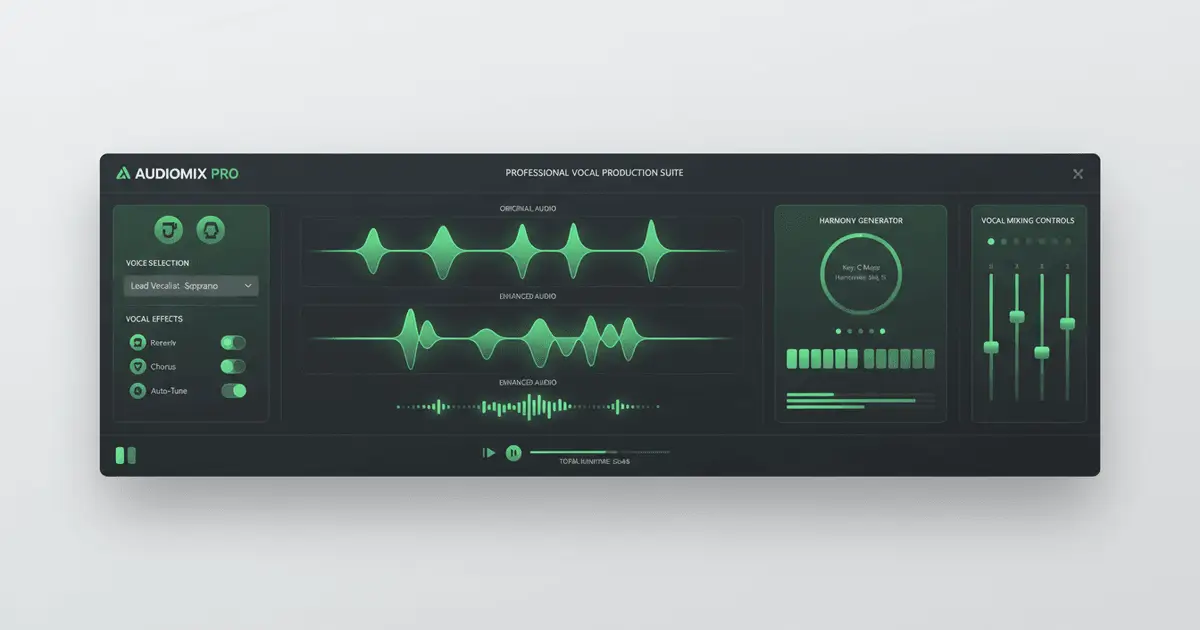
AI Track GenerationLayer Professional Instrumentals and AI Vocals Onto Your Audio Projects

Use advanced AI technology to intelligently generate instrumental tracks or add vocal performances to your audio files. Whether adding accompaniment to pure vocals or adding vocals to pure music, achieve professional-grade music production results.
Feature image
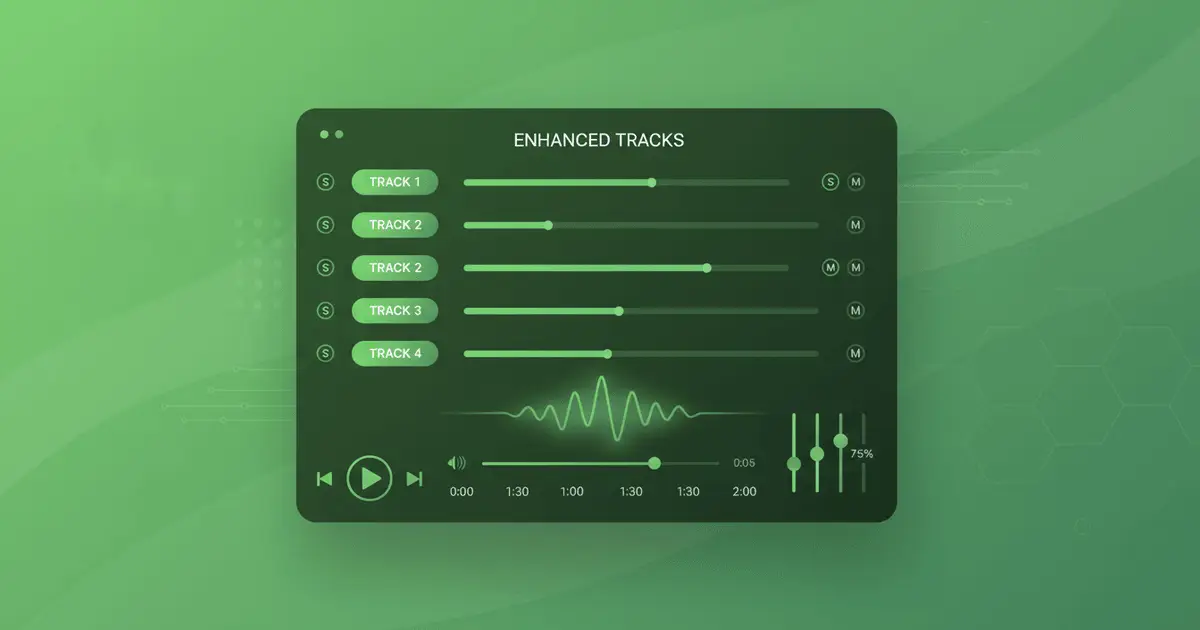
AI-Generated Instrumentals

Generate Custom AI InstrumentalsIntelligent Backing Track Creation

Upload your vocal recordings or raw audio files, and our AI will analyze their core traits like rhythm, key, and genre to craft rich, tailored instrumental accompaniments. The resulting tracks blend seamlessly with your source material to turn incomplete projects into full, polished songs.

Start Creating AI Instrumentals
Feature image
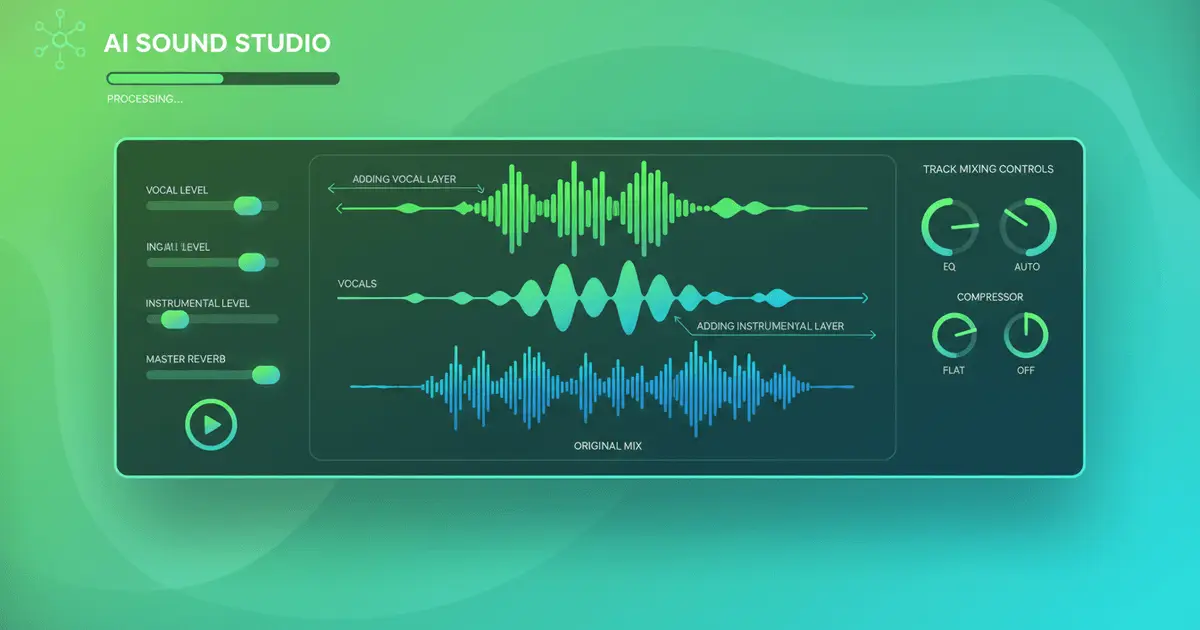
Vocal Generation

Craft AI Vocal TracksNatural AI Vocal Creation

Turn instrumental backing tracks into full songs by adding custom AI vocals. Share your lyric text, select a vocal style and tone, and our AI will generate smooth, natural performances that align perfectly with your existing music’s rhythm and key.

Try Adding Vocals
Feature image
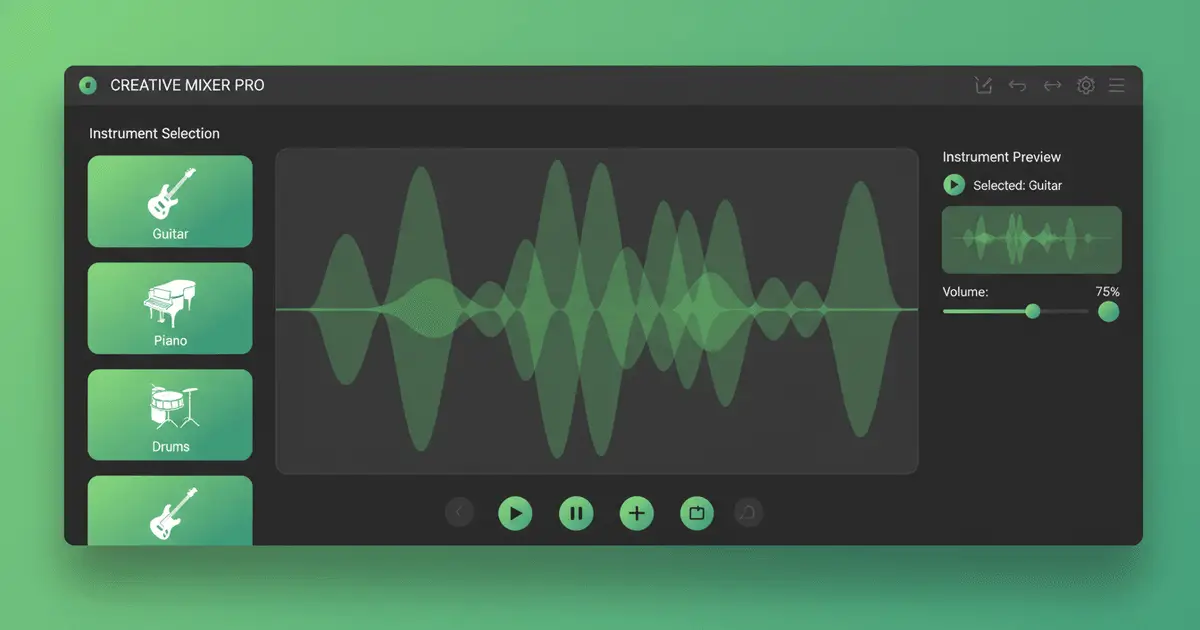
Real-time Preview

Live Track Preview & AdjustmentRefine and Adjust Your Tracks

Preview generated tracks in real time mid-creation, adjust parameters for fresh outputs, then audition all tracks directly in the player to confirm they fit your vision.

Start Creating

Popular AI Track Creation Questions

All critical details about AI track generation tools

1

What is AI track creation used for?

Our AI track creation uses deep learning to add vocals or instrumentals to your existing audio. It analyzes core traits like rhythm, key, and style to make new tracks that blend seamlessly with your source.
2

What sets adding instrumentals apart from adding vocal tracks?

Adding instrumental tracks is ideal when you have raw vocal recordings and need tailored backing music to complete your song. Adding vocal performances works the opposite way: share your lyric text, and our AI will generate natural, matching vocals that fit your existing instrumental backing.
3

Which audio file formats do you support?

We support all mainstream audio file formats, including MP3, WAV, FLAC, M4A, OGG, and more. Our platform automatically detects and processes your uploaded files without extra setup.
4

How good is the quality of generated tracks?

We utilize premium ByteDance Seed-Music AI models (V4.5+ and V5) to deliver studio-grade track quality. Our system analyzes your source audio thoroughly to ensure new tracks align perfectly on timbre, rhythm, and key for a cohesive final product.
5

Can I use these tracks commercially?

Absolutely! All tracks made on our platform come with full commercial usage rights. Use them for video soundtracks, official releases, or any other commercial project without worry.
6

Are free track generation options available?

We provide free trial credits to test our tools. For regular use, we have flexible subscription plans and credit packs available. Try the tool first, then pick the plan that fits your needs.

Still have questions?

Start Creating

Ready to Add More Tracks to Your Music?

Thousands of creators use our AI track tools to make their music fuller and more polished. Try our professional-grade track generation with a free trial today.

Start creating AI music tracks todaySee Our Pricing Plans
Use case
Songs, background music, hooks
Speed
From prompt to download in minutes
Rights
Built for creator-friendly publishing
Logo
Seed Music

AI Music Maker · Royalty-free tracks · Commercial use allowed

TwitterX (Twitter)DiscordEmail
Product
  • AI Music Generator
  • Pricing Options
  • Creator Support FAQs
  • Commercial Usage Rights
AI Tools
  • Seed Music Best AI Music Generator
  • Riffusion AI Drop-in Replacement
  • Music to Prompt
  • Song Length Extender
  • AI Music Mashup Tool
  • AI Vocal Remover
  • Audio Converter
  • AI Voice Cloning Tool
  • Qwen3 TTS
Resources
  • Official Blog
  • Music Styles
  • Music Elements
  • Send Seed Music Feedback
  • Platform Changelog
Company
  • About Seed Music
  • Creator Partner Program
  • Contact Support
Legal
  • Seed Music Cookie Policy
  • Seed Music Privacy Policy
  • Seed Music Terms of Service
  • Seed Music Refund Policy
English中文

© 2026 Seed Music All Rights Reserved. DREAMEGA INFORMATION TECHNOLOGY LLC

[email protected]
    • Logo
      Seed Music
    • Home
    • Explore
    • Listen
    Tools
    • Seed Music Agent
    • Generate
    • Extend
    • Cover
    • Add Track
    • Mashup
    • Vocal Remover
    • Music to Prompt
    Other
    • Change Log
    EmailDiscord