AI Video Music Generator 2026: Create Perfect Soundtracks Instantly
Generate perfect music for any video with AI in 2026. Complete guide to AI video music generators for YouTube, TikTok, films, and social media content.
Introduction: Perfect Video Music in 30 Seconds
Every video needs the right music—but finding, licensing, and syncing music has always been time-consuming and expensive. AI video music generators in 2026 solve this by creating custom soundtracks tailored to your exact video needs in under a minute.
Whether you're creating YouTube videos, TikToks, films, or corporate content, this guide shows you how to generate perfect video music with AI.
Why AI for Video Music?
Traditional challenges:
- Hours searching stock music libraries
- Expensive licensing fees ($50-500/track)
- Music doesn't match video mood/pace
- Copyright strikes risk
- Limited customization options
AI solution:
- Custom music in 30 seconds
- Affordable ($0-10/month)
- Perfectly matched to your video
- Copyright-safe with proper license
- Unlimited variations
Best AI Video Music Generators 2026
1. Seed Music Pro ⭐⭐⭐⭐⭐
Best for: All video types
Key features:
- 30-second generation time
- Length customization (15s-3min)
- Mood/tempo control
- Commercial license available
- Perfect sync with video editing
Pricing:
- Free: 5 tracks/month
- Pro: $8/month unlimited
2. Mubert
Best for: Real-time generation
Features:
- Generates music to exact video length
- API for automation
- Good for live streaming
Pricing: $14/month
3. Soundraw
Best for: Detailed customization
Features:
- Section-by-section editing
- Length adjustment
- Mood changes
Pricing: $16.99/month
How to Generate Music for Different Video Types
YouTube Videos
Vlog Background Music
Prompt template:
"Upbeat vlog background music, friendly and positive,
acoustic guitar with light percussion, medium tempo,
2 minutes"Tips:
- Keep volume -20dB below voice
- Avoid sudden changes
- Match video energy level
Tutorial/How-To Videos
Prompt template:
"Professional tutorial background music, clean and minimal,
soft synth, non-distracting, slow to medium tempo,
3 minutes"Tips:
- Very subtle
- Consistent throughout
- No dramatic elements
Product Reviews
Prompt template:
"Modern product review background, tech-inspired,
professional and trustworthy, medium tempo,
2.5 minutes"
TikTok/Short-Form Video
Requirements:
- 15-30 seconds length
- Strong hook in first 3 seconds
- Energetic and attention-grabbing
Prompt template:
"Catchy TikTok music, trendy and energetic,
15 seconds, strong beat, viral potential"
Variations for different content:
- Comedy: Quirky, playful
- Dance: Strong beat, rhythmic
- Educational: Upbeat but clear
- Lifestyle: Trendy, modern
Film Soundtracks
Action Scenes
Prompt:
"Intense action scene music, dramatic and powerful,
orchestral with electronic elements, fast tempo,
1 minute"
Emotional Scenes
Prompt:
"Emotional film music, touching and beautiful,
piano with strings, slow tempo, builds gradually,
2 minutes"
Suspense/Thriller
Prompt:
"Suspenseful thriller music, tense and mysterious,
dark ambient with subtle percussion, slow build,
1.5 minutes"
Corporate/Business Videos
Prompt template:
"Professional corporate background music,
inspiring and modern, clean production,
medium tempo, 1.5 minutes"
Use cases:
- Company presentations
- Product demos
- Training videos
- Explainer videos
Step-by-Step: Music for Your Video
Step 1: Analyze Your Video (2 minutes)
Questions to answer:
- What's the mood? (Happy, serious, energetic, calm)
- What's the pace? (Fast cuts, slow pans, mixed)
- How long? (Exact duration needed)
- Where's dialogue? (When does music need to be quieter)
- What's the message? (Inform, entertain, sell, inspire)
Example analysis:
Video: Product launch video
Mood: Exciting, professional
Pace: Medium-fast (30 cuts in 60 seconds)
Length: 1 minute
Dialogue: First 10s and last 10s
Message: Inspire and sell

→ Music: Upbeat corporate, builds energy,
quiet intro/outro for voice, 1 minute
Step 2: Create Prompt (1 minute)
Use this formula:
[Video type] + [Mood] + [Instruments/Style] +
[Tempo] + [Length] + [Special requirements]Example:
"Product launch video music, exciting and professional,
modern electronic with subtle orchestral, medium-fast tempo,
1 minute, quiet intro and outro for voiceover"
Step 3: Generate on Seed Music Pro (30 seconds)
- Visit Seed Music Pro
- Paste your prompt
- Click "Generate"
- Wait 30 seconds
- Preview result
Step 4: Sync with Video (5 minutes)
In your video editor:
- Import AI-generated music
- Place on audio track
- Align with video start
- Adjust volume:
- Background music: -15 to -20dB
- Music-only sections: -5 to -10dB
- During dialogue: -20 to -25dB
- Add fade in/out (1-2 seconds)
Step 5: Fine-Tune If Needed (3 minutes)
Common adjustments:
- Too energetic: Lower volume, add "calm" to prompt
- Too slow: Speed up in editor or regenerate with "faster tempo"
- Wrong length: Trim or loop, or regenerate with exact time
- Mood mismatch: Adjust prompt and regenerate
Advanced Techniques
Technique 1: Multi-Section Video Music
For videos with distinct sections, use multiple AI tracks:
Example 3-minute product video:
Section 1 (0:00-0:30): Calm intro music
Section 2 (0:30-2:00): Energetic demo music
Section 3 (2:00-3:00): Inspiring outro music
Generate 3 tracks:
- "Calm corporate intro music, 30 seconds"
- "Energetic product demo music, 1.5 minutes"
- "Inspiring corporate outro music, 1 minute"
Technique 2: Mood Matching
Change music to match video content:
Cooking video example:
0:00-1:00: Calm (ingredient prep)
1:00-3:00: Upbeat (cooking action)
3:00-3:30: Warm (finished dish reveal)
Technique 3: Length Precision
For exact timing:
Include precise length in prompt:
"Background music for 2 minutes 37 seconds"Or trim in editor to match perfectly.
Technique 4: Volume Automation
Professional audio mixing:
Intro (first 5s): Fade in from silence to -15dB
Dialogue sections: -25dB
B-roll/action: -10dB
Outro (last 5s): Fade out to silence
Copyright & Licensing
Platform Rights
Seed Music Pro Pro ($8/month):
- ✅ Full commercial use
- ✅ YouTube monetization
- ✅ Social media
- ✅ Client work
- ✅ Film/TV (with proper license)
- ❌ No attribution needed
Seed Music Pro Free:
- ✅ Personal videos
- ✅ YouTube (with attribution)
- ⚠️ Must credit Seed Music Pro
YouTube Safe
Both tiers are YouTube Content ID safe—no copyright strikes.
How to attribute (free tier):
Music: Generated by Seed Music Pro
(https://seedmusicpro.com)
Common Video Music Mistakes
Mistake 1: Music Too Loud
❌ Wrong: Music competes with dialogue
✅ Right: Music enhances, doesn't distract
- Dialogue present: -20 to -25dB
- No dialogue: -10 to -15dB
Mistake 2: Wrong Mood
❌ Wrong: Happy music over serious content
✅ Right: Music matches video emotion
Test: Watch video with music muted, then with music. Does it enhance or clash?
Mistake 3: Sudden Starts/Stops
❌ Wrong: Music starts/stops abruptly
✅ Right: Always use fades
- Fade in: 1-2 seconds
- Fade out: 1-2 seconds
Mistake 4: One Track for Entire Video
For videos 3+ minutes:
❌ Wrong: Same music throughout
✅ Better: Vary music for different sections
Platform-Specific Tips
YouTube
- Keep background music consistent
- Fade during important dialogue
- Use upbeat for intros/outros
- Calm for main content
TikTok/Instagram Reels
- Hook in first 2 seconds
- High energy throughout
- Match trending music styles
- 15-30 seconds max
Corporate/Business
- Professional and non-distracting
- Modern but not trendy
- Inspiring but subtle
- Matches brand identity
Films/Documentaries
- Support story, don't overshadow
- Build tension appropriately
- Leave space for dialogue/sound effects
- Match emotional arcs
Quick Prompt Guide
Background music (non-distracting):
"Subtle background music for [video type],
[mood], very quiet, [length]"
Energetic opener:
"Energetic intro music for [video type],
exciting and attention-grabbing, [length]"
Emotional scene:
"Emotional music for [scene type],
[specific emotion], builds gradually, [length]"Transitions:
"Short transition music, smooth and professional,
5 seconds"
FAQ
Q: Can AI match music to video automatically?
A: Not yet fully automated. You describe your video, AI generates matching music. Future versions may analyze video automatically.
Q: How do I handle videos with multiple scenes?
A: Either use one versatile track or generate multiple tracks for different sections.
Q: What if music is wrong length?
A: Trim in editor, loop seamlessly, or regenerate with exact duration.
Q: Can I use same music for multiple videos?
A: Yes! One AI track can be reused unlimited times (within license terms).
Conclusion
AI video music generators make professional soundtracks accessible to everyone in 2026. No more expensive licensing, copyright worries, or time-consuming searches. Create perfect video music in 30 seconds.
Action steps:
- Sign up for Seed Music Pro
- Analyze your next video
- Generate matching music
- Add to video and publish
Transform your videos with perfect AI-generated music today.
Last updated: January 3, 2026
Autor

Mais posts
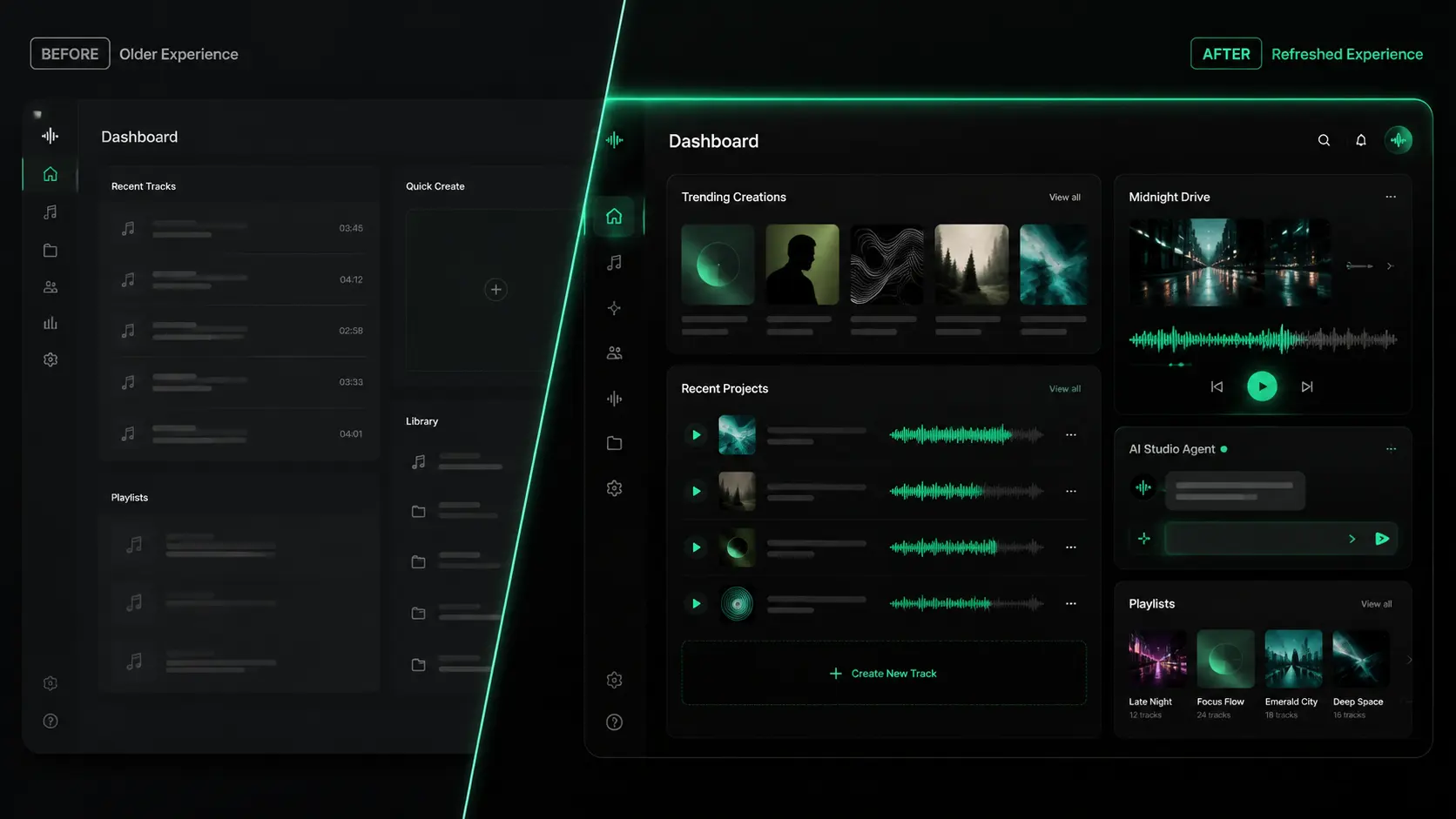
Seed Music Pro 2.0 UI Refresh: A Cleaner Dark Studio Experience
A closer look at the Seed Music Pro 2.0 interface refresh, with a darker studio-style visual system built for creation, listening, and managing music.
Seed Music Pro v2.0: Community, Social, and a New AI Music Agent
Two major updates in one week — a community to discover and share music, and an AI agent that turns conversation into finished songs.
Model Upgrade: V5 Is Now Free & Introducing V5.5 Signature
We upgraded our AI music models based on your feedback. V5 Studio is now free for all users, and we're introducing the new V5.5 Signature for members.