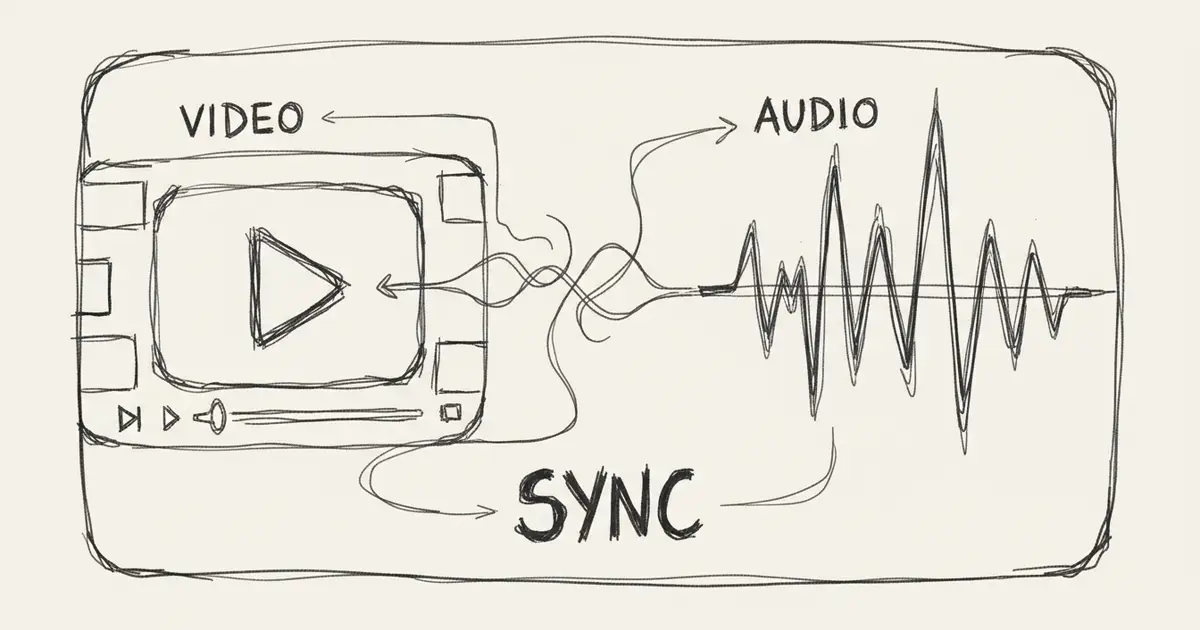
AI Background Music Generator 2026: Best Tools for Videos & Content
Complete guide to AI background music generators in 2026. Compare top tools for YouTube, TikTok, podcasts. Royalty-free, professional quality, instant creation.
Introduction: Why Content Creators Need AI Background Music
Every great video, podcast, or presentation needs the perfect background music. But finding royalty-free music that fits your content, budget, and style has always been challenging—until now. AI background music generators in 2026 solve this problem by creating custom, copyright-safe music in seconds.
Whether you're a YouTuber, TikToker, podcaster, or business professional, this guide shows you the best AI tools for generating background music that elevates your content.
Why Use AI for Background Music?
Traditional Problems Solved
❌ Old Way:
- Hours searching stock music libraries
- Limited selection in free tier
- Generic, overused tracks
- Copyright strikes on platforms
- Expensive licensing fees
- Music doesn't match your vision
✅ AI Way:
- Generate custom music in 30 seconds
- Unlimited unique tracks
- Perfectly matched to your needs
- Royalty-free (with proper license)
- Affordable or free
- Complete creative control
Key Benefits
- Speed: Create in seconds vs hours of searching
- Customization: Get exactly what you need
- Cost: Free to $10/month vs $50-200/track
- Uniqueness: Never worry about duplicates
- Legal Safety: Clear licensing terms
- Variety: Unlimited iterations
Best AI Background Music Generators (2026)
1. Seed Music Pro ⭐⭐⭐⭐⭐
Best For: YouTube creators, podcasters, video editors
Pricing:
- Free: 5 tracks/month
- Pro: $8/month unlimited
Strengths:
- ✅ Fastest generation (30 seconds)
- ✅ Perfect for 30-sec to 3-min clips
- ✅ Excellent variety of moods
- ✅ Clean, professional quality
- ✅ Easy to use interface
- ✅ Commercial license (Pro tier)
How to Use for Background Music:
- Visit Seed Music Pro
- Choose "Instrumental" style
- Describe mood: "upbeat background music for vlog"
- Generate and download
- Add to video editor
Sample Prompts:
"Calm acoustic background music for
meditation video, gentle, peaceful"

"Upbeat corporate background music,
professional, inspiring, modern"

"Lo-fi chill background music for
study vlog, relaxing, focused"2. Soundraw
Best For: Customization enthusiasts
Pricing: $16.99/month
Strengths:
- Manual control over sections
- Real-time editing
- Length adjustment
- BPM control
Limitations:
- No free tier
- Steeper learning curve
3. AIVA
Best For: Film/game soundtracks
Pricing:
- Standard: $11/month
- Pro: $33/month
Strengths:
- Orchestral quality
- Classical compositions
- Film scoring capabilities
Limitations:
- Less variety in modern genres
- Higher pricing
4. Mubert
Best For: Real-time streaming
Pricing:
- Free: Limited
- Creator: $14/month
Strengths:
- Infinite length
- API access
- Real-time generation
Limitations:
- Less control over specific elements
How to Choose Background Music for Different Content Types
YouTube Videos
Vlogs:
- Style: Upbeat, friendly, positive
- Tempo: 100-120 BPM
- Instruments: Acoustic guitar, light percussion
- Seed Music Pro Prompt: "Cheerful acoustic vlog background, upbeat, friendly"
Tutorials/How-To:
- Style: Clean, professional, non-distracting
- Tempo: 80-100 BPM
- Instruments: Soft synths, minimal percussion
- Prompt: "Minimal tech background music, clean, professional"
Gaming:
- Style: Energetic, exciting
- Tempo: 120-140 BPM
- Instruments: Electronic, heavy bass
- Prompt: "Energetic gaming background, electronic, intense"
Product Reviews:
- Style: Modern, trustworthy
- Tempo: 90-110 BPM
- Instruments: Contemporary mix
- Prompt: "Modern product review background, professional, engaging"
TikTok/Instagram Reels
Requirements:
- Length: 15-30 seconds
- Must grab attention immediately
- Strong beat for synchronization
Best Prompts:
"Catchy TikTok background music,
trendy, 15 seconds, strong beat"

"Instagram Reel background,
upbeat pop, 30 seconds"
Podcasts
Intro/Outro:
- Style: Memorable, brand-defining
- Length: 10-20 seconds
- Prompt: "Podcast intro music, professional, memorable, 15 seconds"
Transitions:
- Style: Subtle, smooth
- Length: 3-5 seconds
- Prompt: "Short podcast transition, smooth, subtle"
Background (during speech):
- Style: Very subtle, ambient
- Volume: Low (-20 to -30dB)
- Prompt: "Subtle ambient podcast background, very quiet, atmospheric"
Business/Corporate
Presentations:
- Style: Professional, inspiring
- Tempo: 90-110 BPM
- Prompt: "Corporate presentation background, inspiring, professional"
Explainer Videos:
- Style: Friendly, approachable
- Tempo: 100-120 BPM
- Prompt: "Friendly explainer video background, approachable, clear"
Product Demos:
- Style: Modern, tech-forward
- Tempo: 100-130 BPM
- Prompt: "Modern tech demo background, innovative, sleek"
Step-by-Step: Create Perfect Background Music
Step 1: Analyze Your Content (2 minutes)
Ask yourself:
- What's the video mood? (Happy, serious, dramatic)
- What's the pace? (Fast, medium, slow)
- Who's the audience? (Age, interests)
- What's the message? (Educational, entertaining, selling)
Example Analysis:
Video: "How to Bake Cookies"
Mood: Warm, friendly, fun
Pace: Medium (tutorial)
Audience: Home bakers, 25-45
Message: Educational, enjoyable
→ Music: Warm acoustic, friendly, medium tempo
Step 2: Create Prompt (1 minute)
Formula:
[Genre/Style] + [Mood] + [Purpose] + [Instruments] + [Tempo]Examples:
"Acoustic folk, warm and friendly, cooking tutorial
background, guitar and light percussion, medium tempo"

"Electronic pop, energetic and exciting, workout video
background, synth and drums, fast tempo"

"Ambient, calm and peaceful, meditation background,
soft pads, very slow tempo"
Step 3: Generate on Seed Music Pro (30 seconds)
- Go to Seed Music Pro
- Paste your prompt
- Click "Generate"
- Wait 30 seconds
- Preview result
Step 4: Refine If Needed (2 minutes)
If too energetic: Add "calm", "subtle", "gentle" If too slow: Add "upbeat", "lively", "energetic" If too prominent: Add "background", "ambient", "subtle" If too generic: Add specific instruments or style
Step 5: Download and Integrate (3 minutes)
- Download MP3
- Import to video editor
- Adjust volume (usually -15 to -20dB below voice)
- Fade in/out at beginning/end
- Export final video
Total Time: 8-10 minutes
Advanced Techniques for Better Background Music
1. Layering Multiple Tracks
For longer videos, use multiple AI tracks:
Example 3-minute vlog:
- 0:00-1:00: Upbeat intro music
- 1:00-2:30: Subtle background during talking
- 2:30-3:00: Return to upbeat for outro
Prompt for each:
Track 1: "Upbeat vlog intro, energetic, 1 minute"
Track 2: "Subtle background ambience, quiet, 1.5 minutes"
Track 3: "Energetic vlog outro, uplifting, 30 seconds"
2. Mood Matching
Change music to match video mood:
Cooking video example:
- Prep: Calm, organized
- Cooking: Energetic, fun
- Final result: Warm, satisfying
Generate 3 different tracks for each section.
3. Volume Automation
Professional technique:
During dialogue:
- Background music: -20dB to -25dB
No dialogue (B-roll):
- Background music: -10dB to -15dB
Intro/Outro:
- Background music: -5dB to -10dB
4. Loop Extension
For long videos, create seamless loops:
- Generate 1-minute track
- Find natural loop point
- Use fade crossfade to connect
- Repeat as needed
Or use Seed Music Pro to generate specific length: Prompt: "Background music, 5 minutes, seamless loop"
Copyright & Licensing Guide
Understanding Royalty-Free
Royalty-Free ≠ Free
Royalty-Free means:
- ✅ Pay once (or free tier)
- ✅ Use multiple times
- ✅ No per-use fees
Still requires:
- Proper license
- Attribution (sometimes)
- Following platform TOS
Platform-Specific Rights
Seed Music Pro
Free Tier:
- ✅ Personal use
- ✅ YouTube monetization (with attribution)
- ⚠️ Attribution required
Pro Tier:
- ✅ Full commercial use
- ✅ No attribution needed
- ✅ Unlimited downloads
- ✅ YouTube Content ID safe
YouTube Safe Music
Requirements:
- Must own copyright OR have license
- Seed Music Pro Pro: ✅ YouTube safe
- Seed Music Pro Free: ✅ Safe with attribution
How to attribute:
Music: Generated by Seed Music Pro
(https://seedmusicpro.com)
Common Mistakes to Avoid
❌ DON'T:
- Use free tier for major commercial projects
- Forget attribution when required
- Claim music as 100% your creation
- Ignore platform terms of service
✅ DO:
- Read license terms
- Attribute when required
- Keep license proof
- Use appropriate tier for use case
Pro Tips from Content Creators
Tip 1: Create a Music Library
Build your personal collection:
Each month, generate:
- 5 upbeat tracks
- 5 calm tracks
- 5 dramatic tracks
- 3 intro/outro tracks
Organize by:
- Mood folder (happy, sad, energetic)
- Length (short, medium, long)
- Use case (vlog, tutorial, review)
Tip 2: Match Your Brand
Create consistent brand sound:
Define your sound:
- Style: Acoustic? Electronic? Orchestral?
- Mood: Friendly? Professional? Edgy?
- Tempo: Fast? Medium? Slow?
Use same base prompt:
"[Your Brand Style], background music for [Type]"

Example: "Friendly acoustic, background music for cooking vlog"
Tip 3: A/B Test Music
Test different music styles:
- Create 2 versions of same video
- Use different background music
- Compare audience retention
- Use winner's style for future videos
Tip 4: Volume is Critical
Golden rule: Music should enhance, not distract
Test:
- Can you clearly hear dialogue?
- Does music feel too loud at any point?
- Does music compete with sound effects?
If unsure: Go quieter than you think
FAQs
Q: Is AI background music truly royalty-free?
A: With proper license, yes. Seed Music Pro Pro gives full commercial rights. Free tier requires attribution. Always check specific platform terms.
Q: Can I monetize YouTube videos with AI background music?
A: Yes!
- Seed Music Pro Free: Yes, with attribution
- Seed Music Pro Pro: Yes, no attribution needed
- Both are YouTube Content ID safe
Q: How do I avoid copyright strikes?
A:
- Use licensed AI music only
- Don't use copyrighted music
- Keep license documentation
- Attribute when required
- Use platform's commercial tier for commercial work
Q: Can I use the same background music for multiple videos?
A: Yes! That's the beauty of royalty-free. One AI-generated track can be used unlimited times (within your license terms).
Q: What if two creators generate similar music?
A: Extremely unlikely. AI generates unique tracks each time. Even with identical prompts, the output differs significantly.
Conclusion: Elevate Your Content with AI Background Music
AI background music generators have revolutionized content creation. No more hours searching for the perfect track, expensive licensing, or copyright worries. In 2026, creating professional, custom background music takes just 30 seconds.
Your Action Plan:
- ✅ Sign up for Seed Music Pro free account
- ✅ Identify your top 3 video types
- ✅ Create background music for each
- ✅ Build your music library
- ✅ Upgrade to Pro for unlimited access
Stop using generic stock music. Start creating unique, custom background music that makes your content stand out.
Create Your First Background Track Free →
Last updated: January 3, 2026
الكاتب

المزيد من المقالات
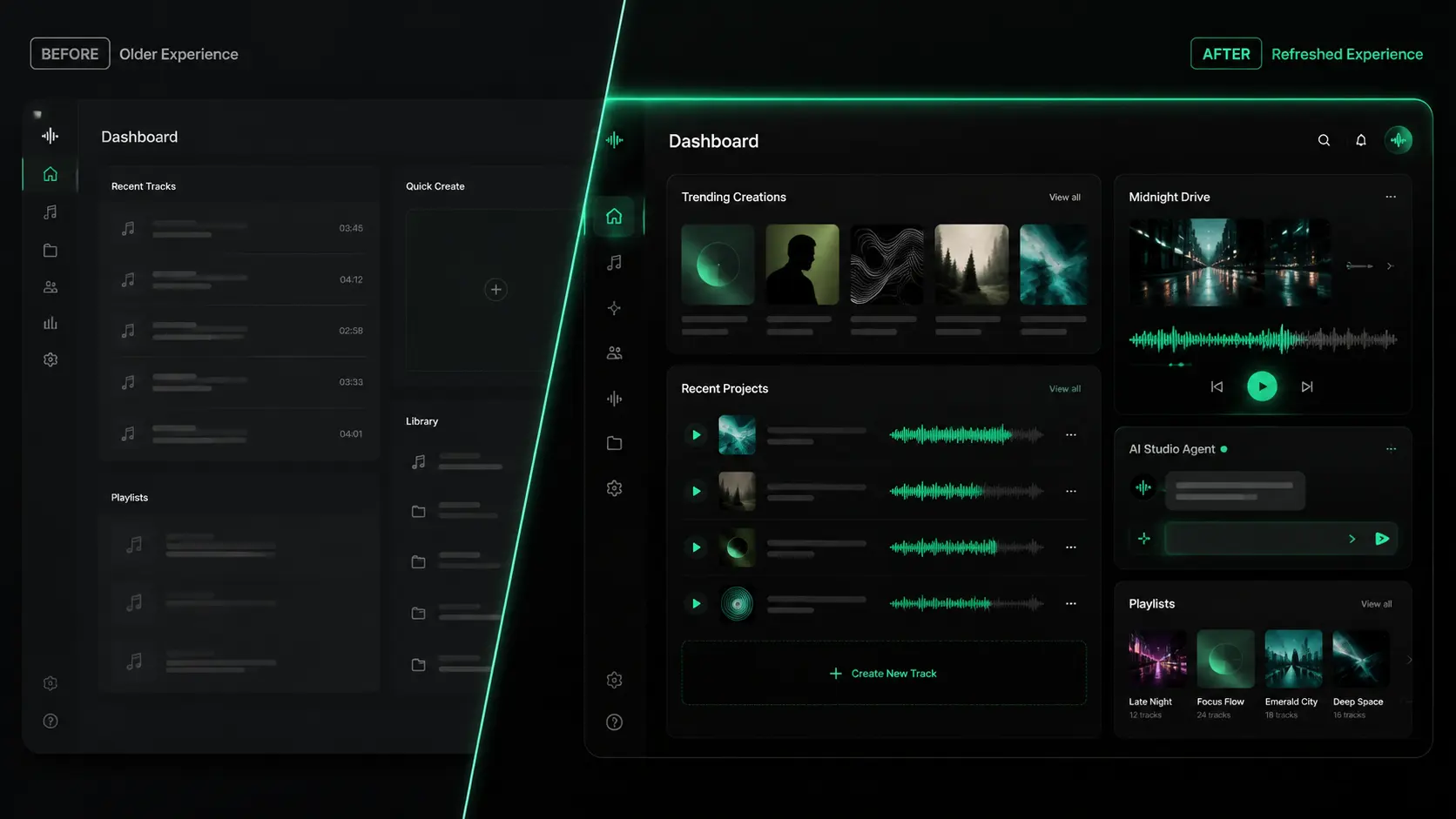
Seed Music Pro 2.0 UI Refresh: A Cleaner Dark Studio Experience
A closer look at the Seed Music Pro 2.0 interface refresh, with a darker studio-style visual system built for creation, listening, and managing music.
Seed Music Pro v2.0: Community, Social, and a New AI Music Agent
Two major updates in one week — a community to discover and share music, and an AI agent that turns conversation into finished songs.

Model Upgrade: V5 Is Now Free & Introducing V5.5 Signature
We upgraded our AI music models based on your feedback. V5 Studio is now free for all users, and we're introducing the new V5.5 Signature for members.